linuxlab.io
Tutorials▾
  • Linux & networking
    File system, processes, TCP/IP, BGP and OSPF
    →
  • Terraform & IaC
    HCL, state, plan/apply on a LocalStack sandbox
    →
  • Git & GitHub
    Object model, plumbing, branching, GitHub Actions
    →
All tutorials →
PricingAboutSign inCreate account
/
Intro
Lessons
Footer
linuxlab-TutorialsPricingAboutPrivacy & cookies
Copyright © 2026 LinuxLab. All rights reserved.
linuxlab.io
Tutorials▾
  • Linux & networking
    File system, processes, TCP/IP, BGP and OSPF
    →
  • Terraform & IaC
    HCL, state, plan/apply on a LocalStack sandbox
    →
  • Git & GitHub
    Object model, plumbing, branching, GitHub Actions
    →
All tutorials →
PricingAboutSign inCreate account
/
Hello

$ whoami

Interactive tutorials.
Not video. Not lectures.

LinuxLab. A platform of hands-on tutorials covering Linux, networking, DevOps, and IaC. A real sandbox in the browser, step auto-check, and live kernel state visualization. No VM, no installs, no video playlists.

Inside

What's inside

Six pillars of every tutorial. The topic changes, but the mechanics stay the same: a real sandbox, actual state checks, live visualization.

tools / not toys

  • docker.exec

    01

    Real sandbox in the browser

    Each lesson opens its own Docker container with a real shell. Real commands, real errors. Not a pseudo-terminal, not a cloud VM.

  • verify(step)

    02

    Step auto-check

    A step is complete when the system detects the expected side-effect: a file, a flag, an exit code, a change in /sys or /proc, a resource in Terraform state. You can't skip ahead.

  • ws.state

    03

    Live visualizers

    In Linux: routing table, ARP, sockets, interfaces. In Terraform: plan, state tree, and dependency graph. All shown to the right of the terminal, updated over WebSocket.

  • /how/*

    04

    Animated explainers

    An SVG player with play/pause. For Linux: DNS, ARP, TCP handshake, TLS, BGP, traceroute, anycast. For Terraform: plan cycle, state, module-flow, and drift. Scrub, pause, and step through each frame.

  • kb/[[slug]]

    05

    Linked knowledge base

    Short reference articles with a TL;DR, examples, and linked lessons. A term in brackets anywhere in the tutorial works as an inline reference hint.

  • topology.svg

    06

    Topologies and pcap

    Multi-container scenarios with per-link bridges, an SVG topology graph, and packet capture via tcpdump. Run experiments directly from the lesson.

Catalogue

Tutorials

One tutorial per topic. Each one is self-contained: introduction, chapters, animated explainers, and a knowledge base. The list grows; anything in progress is marked separately.

Anatomy

How each tutorial is structured

Every tutorial on the platform follows the same structure: four sections, one format. The topic changes; the navigation stays the same.

Audience

Who it's for

No pre-assessment. Pick yourself, and you land at the right entry point for the right tutorial, regardless of topic. Wrong level? Each chapter has a bridge to adjacent ones at the bottom.

FAQ

FAQ

Questions people ask before opening the terminal.

Q.01

What is LinuxLab?

A platform of interactive tutorials covering infrastructure and systems skills: Linux, Terraform, Git, and more to come. Each lesson opens a real Docker container in the browser, checks each step against the actual system state, and shows live context next to the terminal: kernel state, Terraform plan, or Git objects, depending on the topic.

Q.02

How is LinuxLab different from KodeKloud, Linux Academy, and similar platforms?

Three things work together here. Step checks verify actual side-effects (sysfs, /proc, exit codes, file contents, Terraform state resources, .git objects), not command text. Live visualizers for routing, ARP, sockets, plan-tree, and dependency graphs update in real time. Key concepts in each topic are covered as frame-by-frame SVG animations, not video lectures.

Q.03

Do I need to install anything?

No. The terminal, container, and visualizers all run in the browser. You don't need a local Docker, VM, SSH, or AWS account. For the Terraform tutorial, the sandbox runs on LocalStack: Terraform behaves as though it's talking to real AWS, but there's no billing and no credentials to leak. Any modern browser works: Chrome, Firefox, Safari, Edge.

Q.04

How is each tutorial structured?

One format for all topics. A prose introduction: what the topic is, why it matters, how to read the tutorial. Chapters with hands-on practice: terminal, steps, auto-check. Animated explainers: key concepts in the SVG player. A knowledge base: reference cards with TL;DR and cross-links. The topic changes; the navigation does not.

Q.05

Are the lessons free?

Some chapters of each tutorial are open without registration so you can try right away. Full access to advanced modules (namespaces, cgroups, eBPF, BGP/OSPF, production-Terraform, capstone, Git internals, and dense labs) requires a subscription or a one-time purchase. Details on the pricing page.

Q.06

What is the sandbox built on?

The backend runs Python 3.12 + FastAPI with aiodocker and asyncpg. The sandbox uses Docker (optionally gVisor) with --cap-drop=ALL and an ephemeral network topology; the container lives for exactly as long as the session. For Terraform, LocalStack 3.x connects to the container as an AWS-compatible mock with support for S3, EC2, IAM, VPC, Lambda, and DynamoDB. The frontend is Next.js 14, xterm.js, and WebSocket for live state.

Q.07

Which tutorials are open now, and what is in progress?

Three tutorials are open. Linux and networking: 35 chapters from the file system to BGP and OSPF, 166 reference articles, and 19 animated explainers on network protocols. Terraform and IaC: 47 lessons across five tracks (beginner, intermediate, production, advanced, and Troubleshooting Garden), 80 reference articles, and 15 animations covering the plan cycle, state, and module-flow. Git and GitHub: 18 chapters in six parts, 13 hands-on labs, 60 reference articles, and a capstone project: a portfolio site on GitHub Pages. We collect requests for the next tutorial publicly.

Start

$ ready

Open the terminal.
Work through it by hand.

The introduction is prose, the chapters are hands-on, the concepts are animated, and the reference is there when you need it. Pick a tutorial that covers what you need right now. The right entry point depends on what you already know.

Footer
linuxlab-
Copyright © 2026 LinuxLab. All rights reserved.
Tutorials
Pricing
About
Privacy & cookies
Go to tutorials →
Open Terraform →
or open the network simulator →
→

Introduction

Prose: what the topic is, why it matters, how to read the tutorial. With analogies, without a wall of terminology.

$ cd /intro

→

Chapters and practice

Practice is the point. Terminal, steps, auto-check. You go from the basics of the topic to advanced problems.

$ ls /lessons

→

Animated explainers

An SVG player with play/pause: key concepts broken down frame by frame. Scrub, pause, and step through.

$ play /how

→

Knowledge base

Reference cards with TL;DR, examples, and cross-links. If you forget a flag or a term, look it up here.

$ man kb

I'm new to this

Never worked in a terminal. Want to get comfortable with files, processes, and permissions.

→ beginner-01-filesystem

I know Linux basics

Want to practice networking: TCP/IP, DNS, routing, firewall, NAT.

→ intermediate-01-network-101

DevOps / SRE

Know shell and networking, want to go deeper: namespaces, cgroups, eBPF, BGP/OSPF.

→ advanced-01-namespaces

Cloud / IaC, beginner

Know bash and basic AWS, but haven't written HCL. Want Terraform from scratch, without AWS bills.

→ tf-beginner-01-hello-s3

Senior IaC

Know plan/apply and modules. Want production: tests, OPA policy, GitHub Actions with OIDC, drift detection, blue-green migrations.

→ tf-production-01-fmt-validate-tflint

Confused by Git

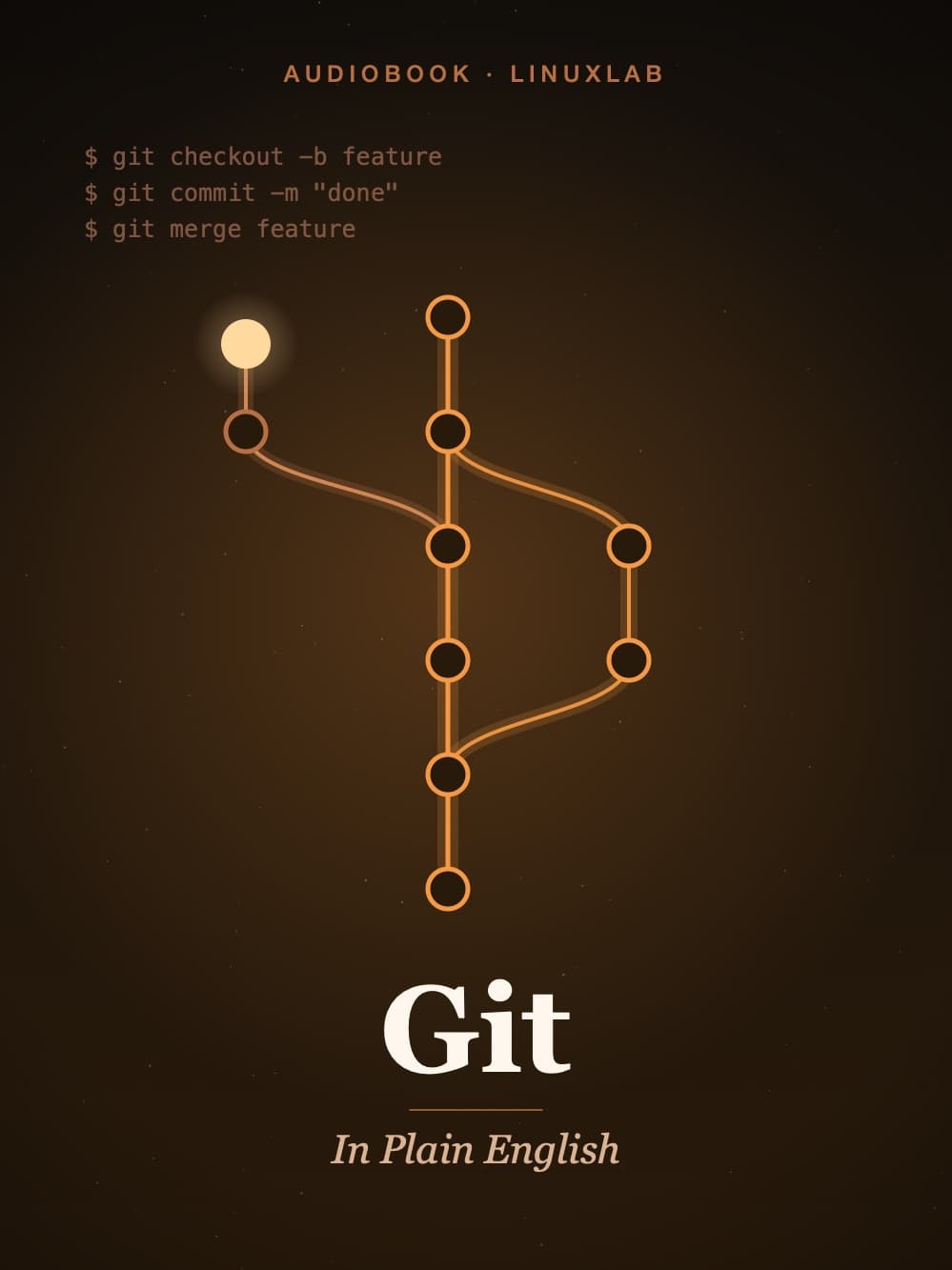
Use git pull/push and avoid rebase. Want to understand the object model, plumbing, branching, merge vs rebase, and GitHub Actions.

→ git/intro

Open catalog →
Linux →
Terraform →
Git →
All tutorials →

/courses/linux

open

Linux and networking

File system, processes, permissions, namespaces, cgroups, eBPF. Networking from ARP to BGP and OSPF. Based on Stevens, Kerrisk, and K&R.

chapters
35
kb
165
how
19

open tutorial →

/courses/terraform

new

Terraform and IaC

HCL, providers, state, and the plan/apply cycle. Sandbox on LocalStack: no real AWS, no billing, no credential leaks.

lessons
47
kb
68
how
15

open tutorial →

/courses/git

open

Git and GitHub

Object model and plumbing first, then commands and workflow. Conflicts, branching, merge vs rebase, GitHub Actions. Capstone project: a portfolio site on GitHub Pages.

chapters
18
labs
13
kb
59

open tutorial →